
Your Cart
Loading

GainPilot Stage - Free Auto Gain Staging for Ableton Live | Max for Live

On Sale
$0.00
Pay what you want:
$
Added to cart

Free auto gain staging plugin for Ableton Live that keeps tracks near your target level in real time with transparent compensation and low CPU use.
You will get the following files:
  • PDF (242KB)
  • PDF (589KB)
  • AMXD (64KB)

Customer Reviews

There are no reviews yet.

Live Product / GainPilot Stage Utility / Free

Automatic gain staging for Ableton Live.

GainPilot Stage analyzes input level in real time and applies smooth gain compensation to keep your signal near a target level - so you spend less time trimming Utility and more time mixing.

01 / Why

Why GainPilot Stage

Built for the front of the chain. Its job is simple: help you get incoming material into a more consistent operating range before EQ, compression, saturation, clipping, or bus processing.

It is not a compressor. It is not a loudness maximizer. It is a practical level-setting tool that helps you move through gain staging faster.

02 / Modes

Modes that fit the source

Learn Measures for 3 seconds, then automatically switches to Hold.
Adaptive Continuously tracks level and applies smooth correction over time.
Hold Freezes the current gain value and keeps it there.
Flexible sources Static material or changing sources - pick the mode that matches the take.
03 / Stable

Stable by design

RMS analysis, smooth gain behavior, gate protection, and capped compensation - so Stage does not overreact in quiet passages or sudden drops.

  • Target range from -24 to -6 dBFS
  • Gain cap of +/-24 dB
  • Gate behavior to avoid lifting noise floors
  • Transport-aware persistence and restore logic
  • Low-latency operation suitable for per-track use
04 / Display

Visual feedback that earns its space

Inner / outer arcs Inner arc for input level. Outer arc for gain compensation.
ECG-style trace Waveform movement for output at a glance.
Compensation readout Large gain value so you always know what Stage applied.
Target on display Set the target directly on the CRT-style monitor.
05 / Ideal for

Ideal for

  • Post-recording - bring vocals, guitars, and recorded parts into a usable range faster
  • Sample sessions - even out loops and one-shots from different sources
  • Mix prep - feed compressors, EQs, saturators, and clippers a more predictable input
  • Full sessions - start mixes with cleaner headroom discipline
06 / Specs

At a glance

  • TypeMax for Live Audio Effect / Free
  • ModesLearn / Adaptive / Hold
  • AnalysisRMS, 1-second window, 50 ms snapshot
  • Target-24 to -6 dBFS (default -18)
  • Gain+/-24 dB cap
  • Latency~11.6 ms at 44.1 kHz
  • ThemeLight / Dark auto-adaptive
Set the target. Let Stage handle the repeated level moves.
07 / Ecosystem

Part of GainPilot

  • Stage - sets track level more quickly
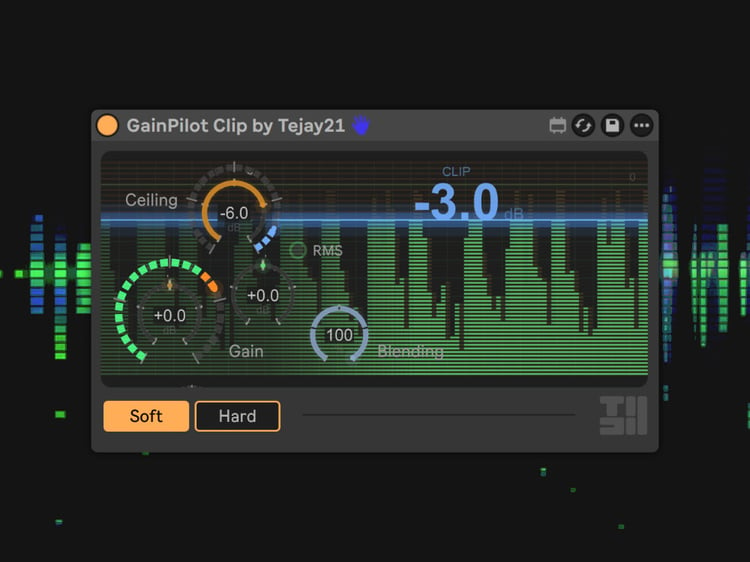
  • Clip - controls peaks after that
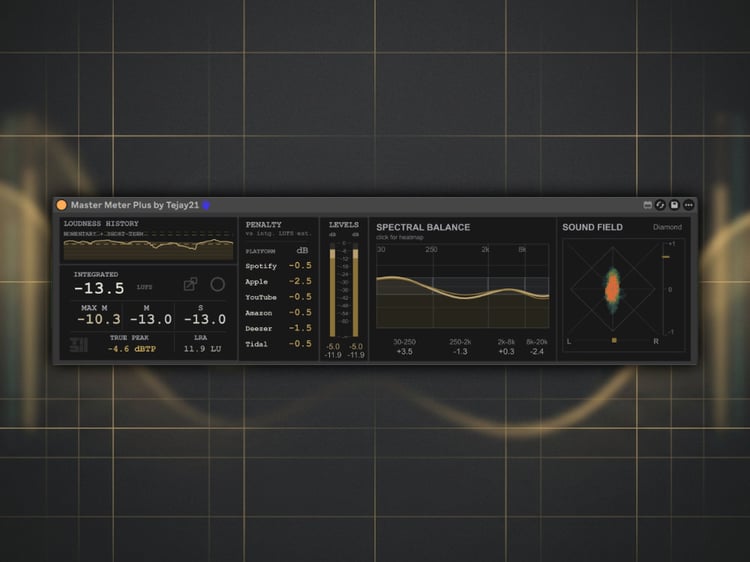
  • Master - manages the bigger picture
  • Ableton Live 12.2 or later with Max for Live (Suite, or Standard + Max for Live)
  • Insert at the front of the chain on any track
See GainPilot Clip