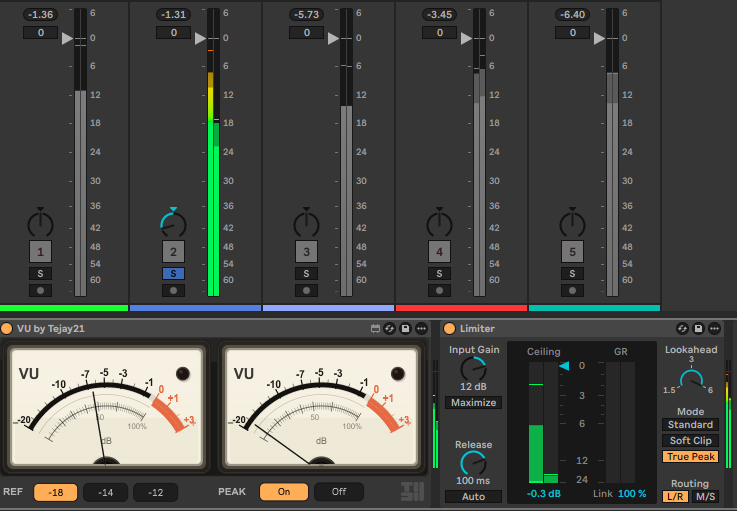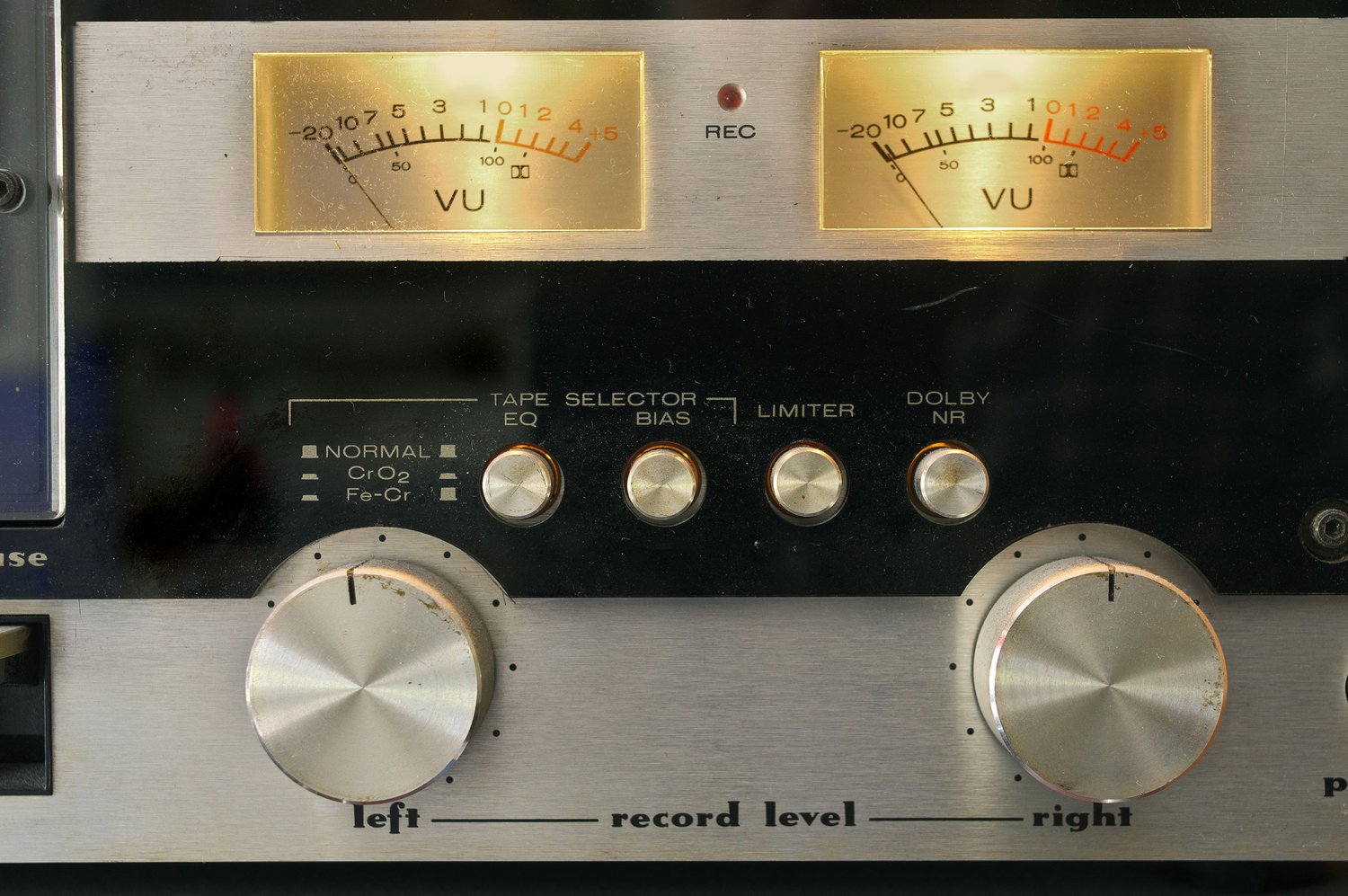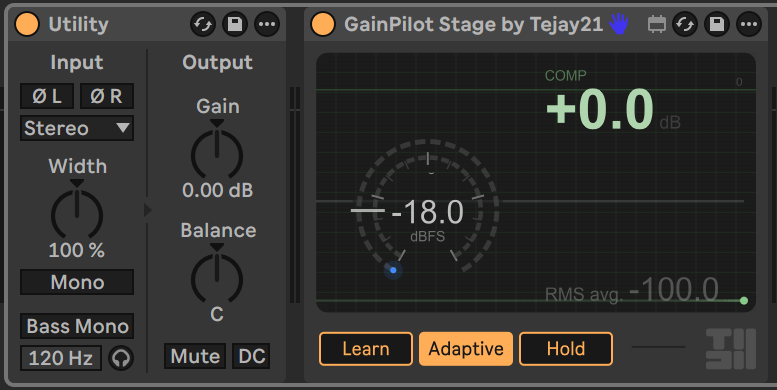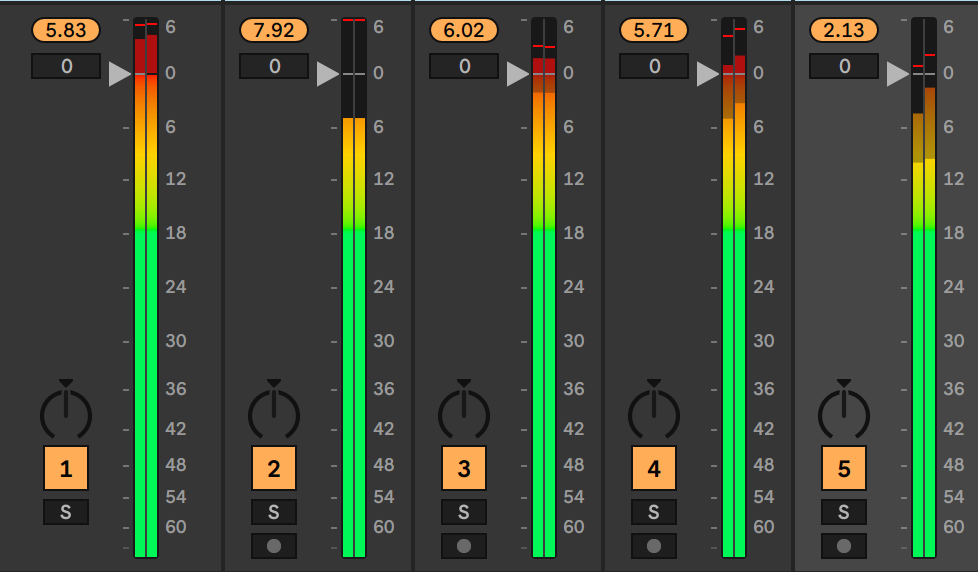


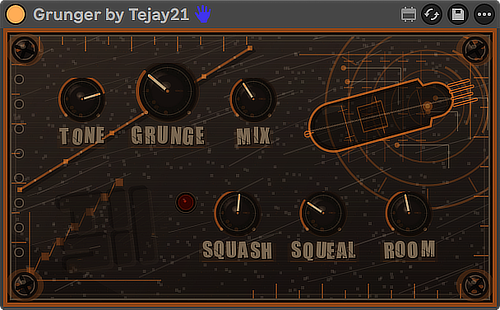
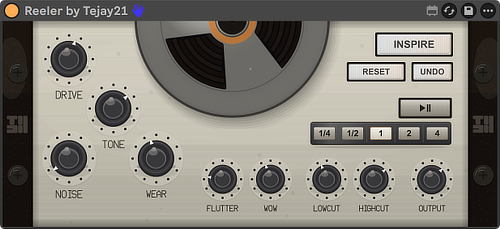
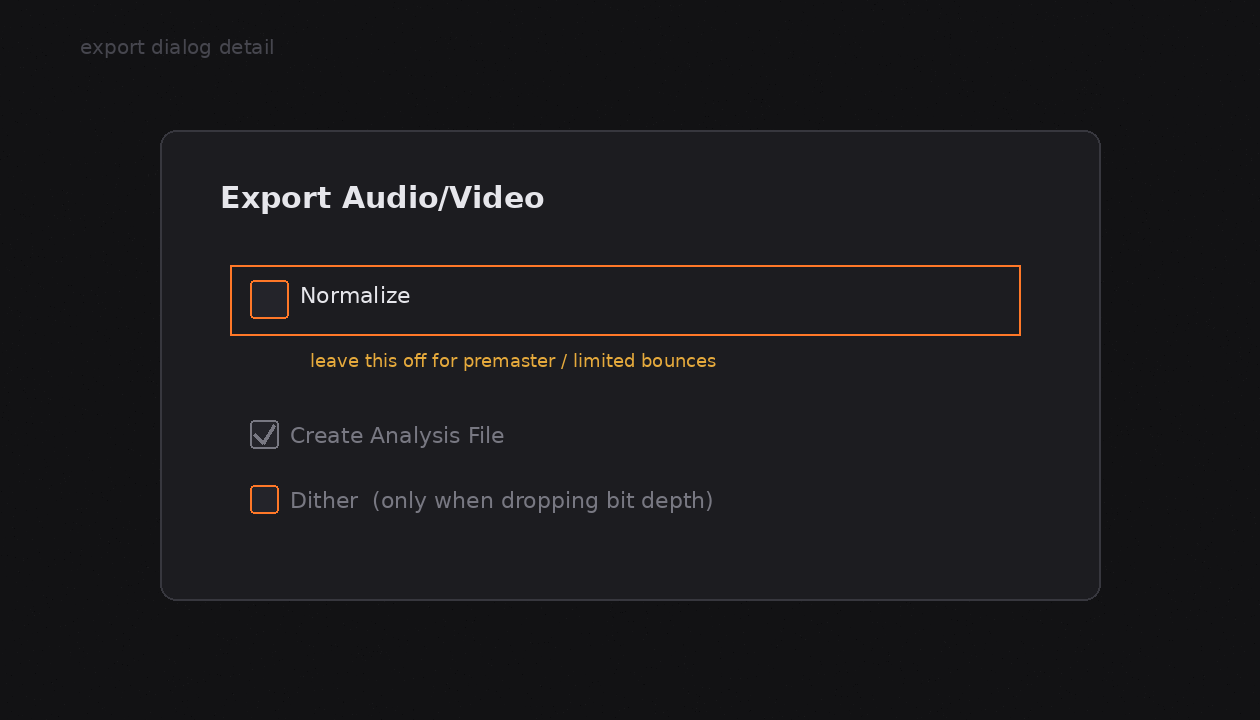
When you open File → Export Audio/Video in Ableton Live, Normalize sits there looking helpful. One checkbox. Peak hits 0 dB. Done. Most of the time, leave it off. What Normalize actually does Normalize looks at the loudest sample peak in the rendere...
Read More
SYS // STORE.TEJAY21.COM
UTC+8 | --:--:--
Tejay21 catalog
Live
/01 | Session
Ableton Live
Max for Live
Session-native devices, built for Ableton Live.
/02 | Shop by lane
04 routes
/C03
Creative
Rhythm, remix, and motion tools for the arrangement.
Open lane ->/X02
FX
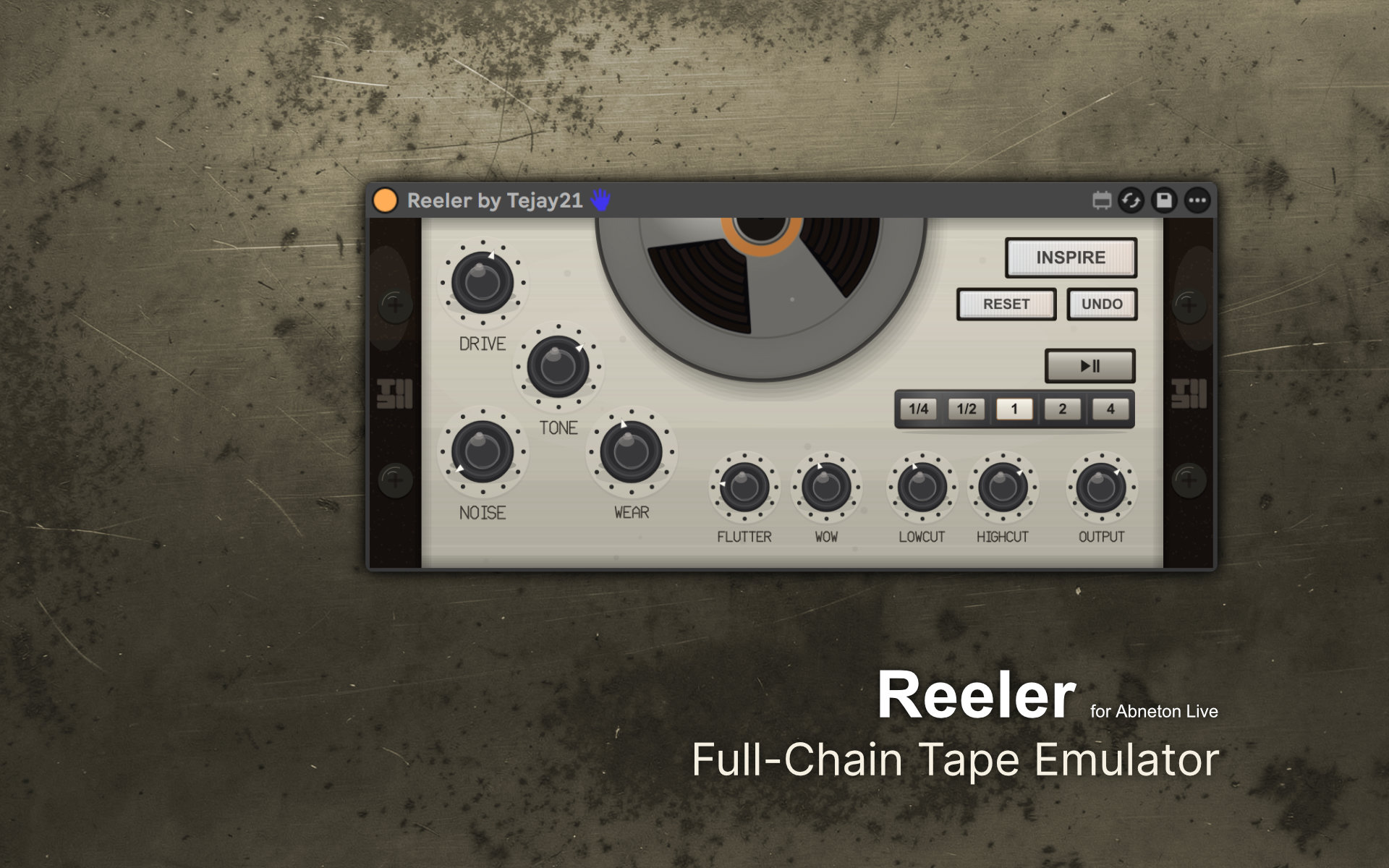
Texture and tape character for vocals, leads, and buses.
Open lane ->/U05
Utility
Metering and gain tools that keep the mix under control.
Open lane ->/A10
All
Every Tejay21 device in one collection.
Open all ->/03 | Featured
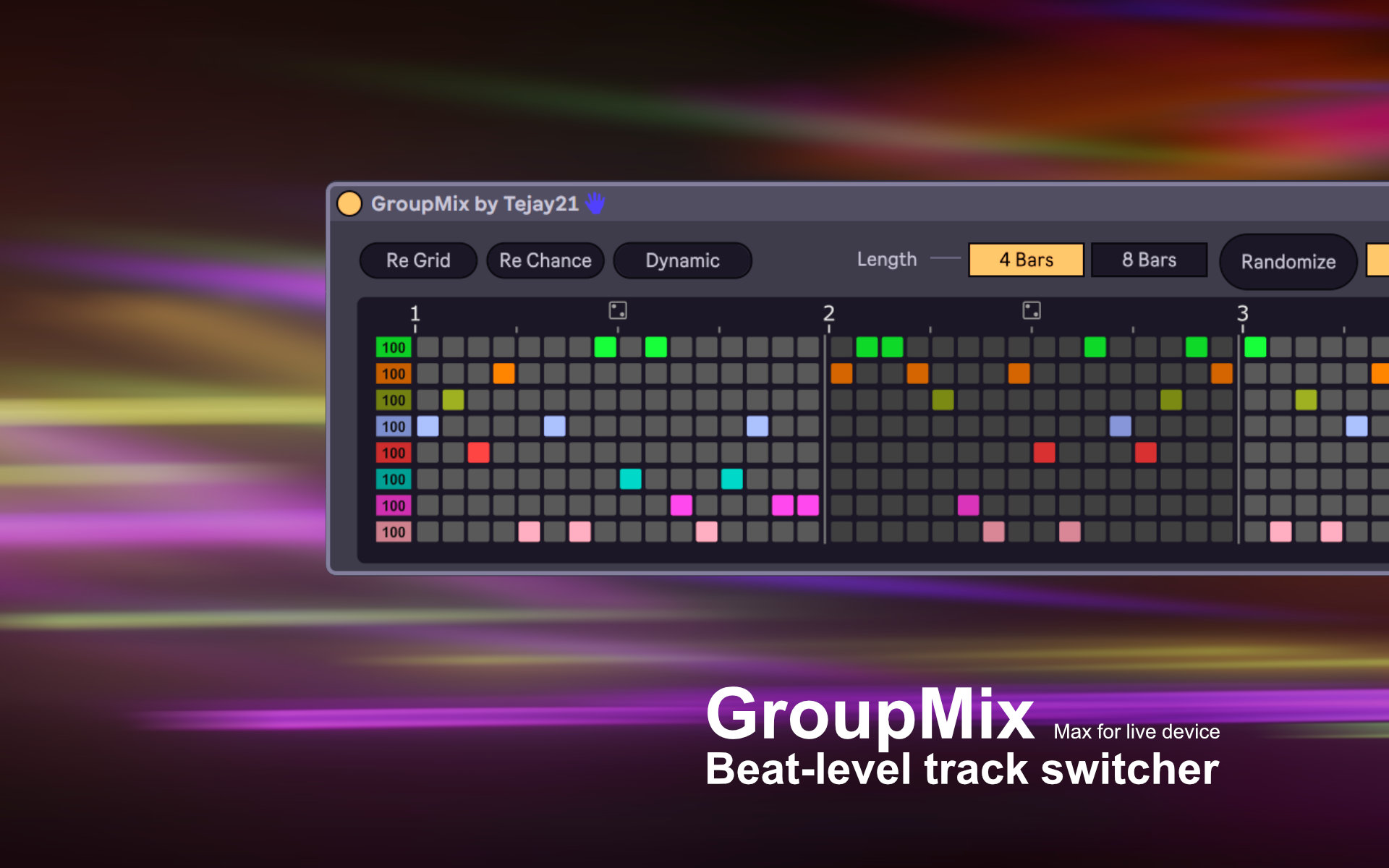
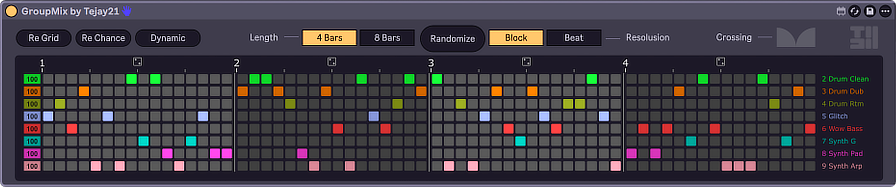
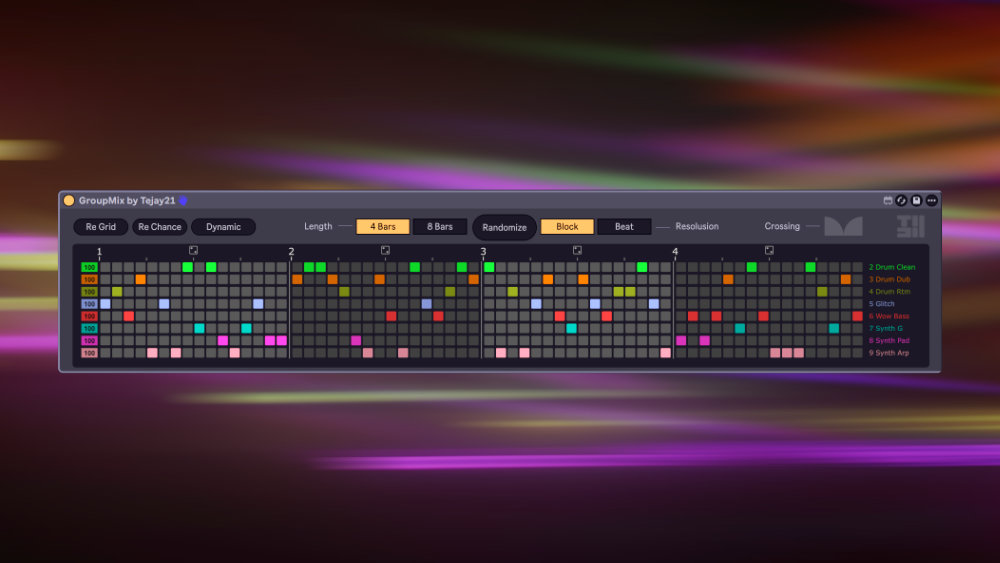
GroupMix
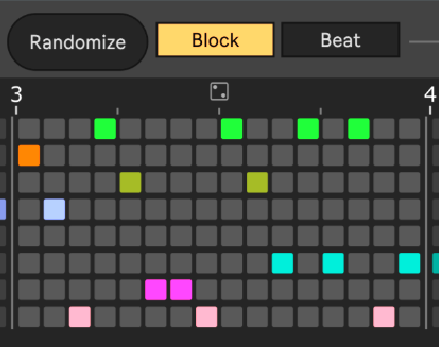
Switch group sub-tracks beat by beat for instant remixes - built to live on the session, not in a separate window.
/04 | Start free
03 devices
/05 | Device index
By lane
/C Creative
03/X FX
02/U Utility
05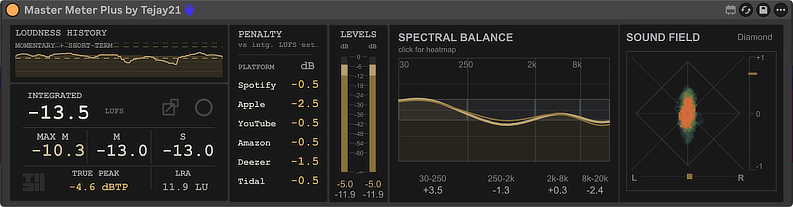
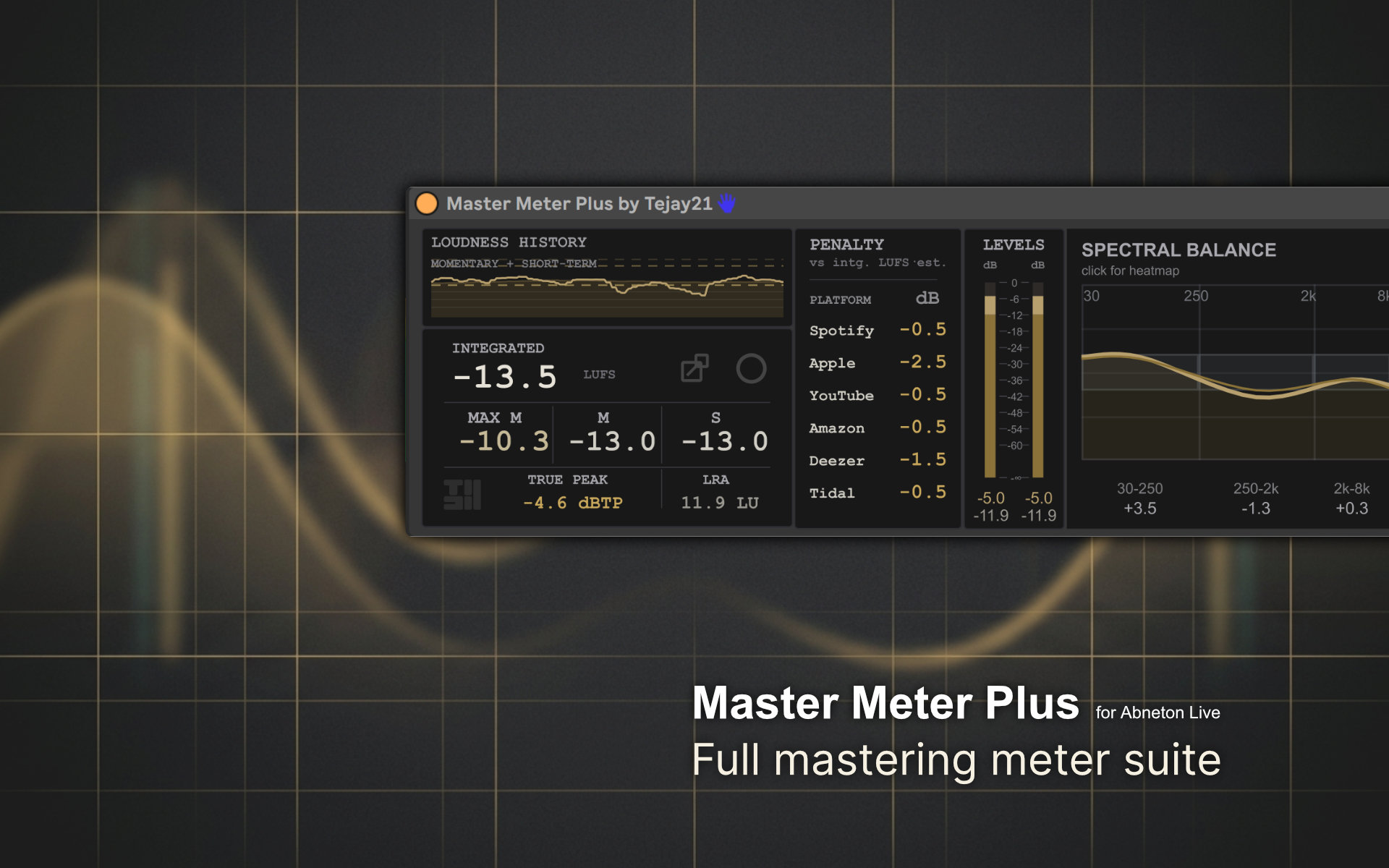
Master Meter Plus
LUFS, true peak, and mastering meters in one view
View device ->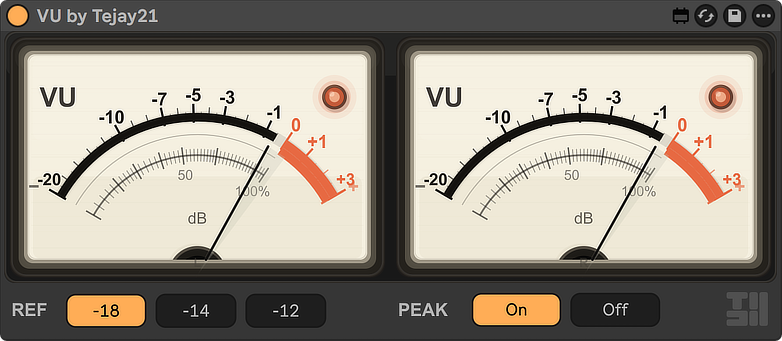
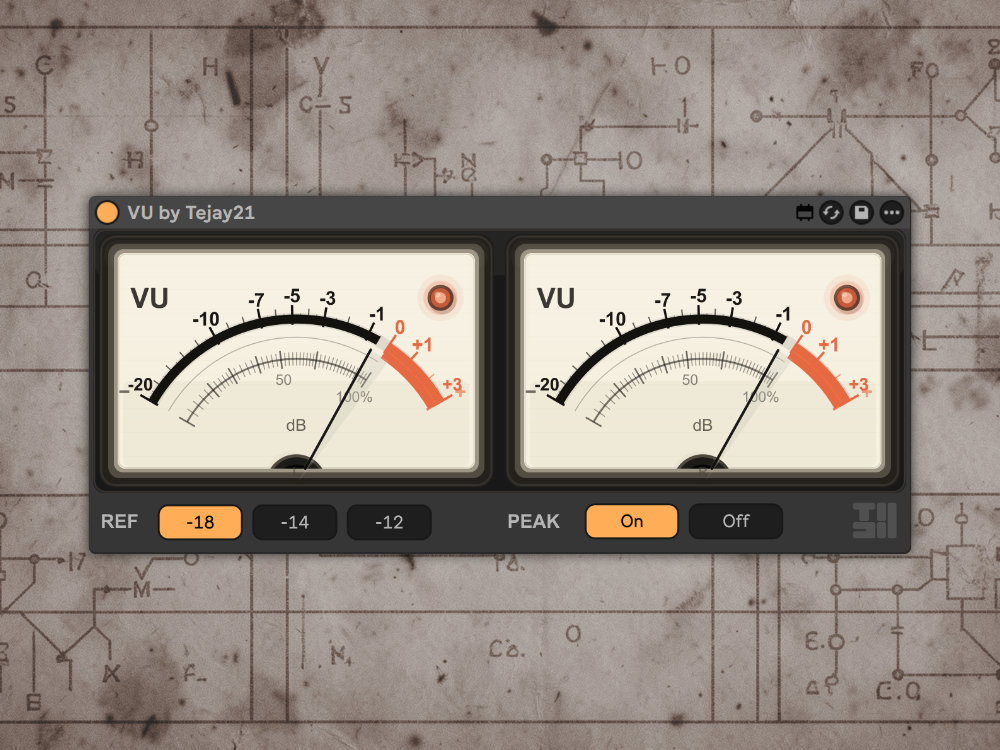
VU
Classic dual VU meters with musical ballistics
View device ->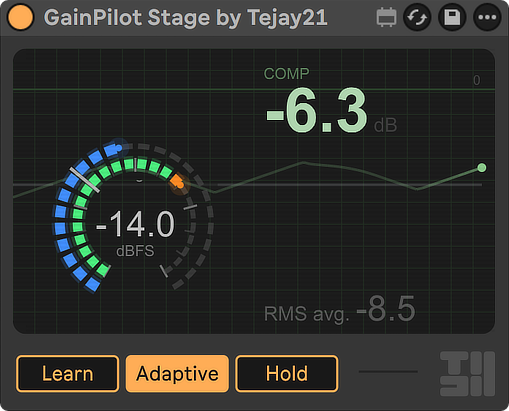
GainPilot Stage
Bring tracks to a target level automatically
View device ->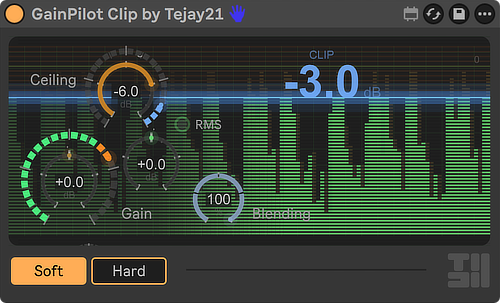
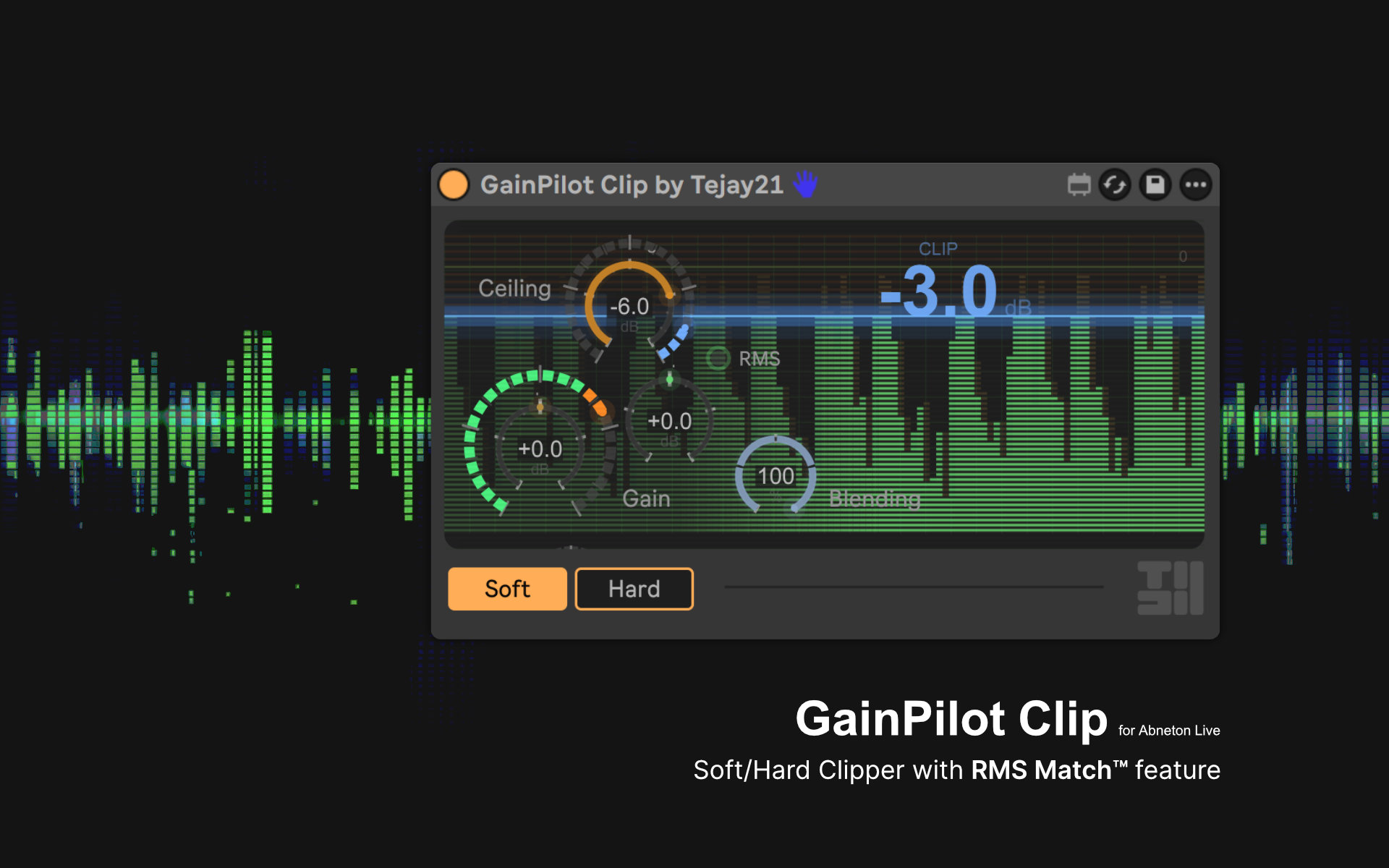
GainPilot Clip
Soft or hard clip while keeping loudness matched
View device ->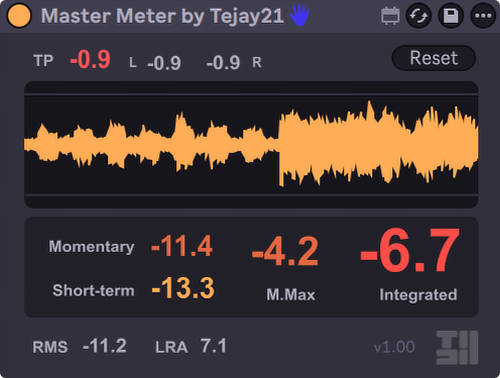
Master Meter
Watch loudness with LUFS and true peak readouts
View device ->
/06 | From the desk
Guides + News
Guides
Leave Normalize Off When You Export in Ableton Live
Most of the time, leave Normalize off when you bounce.
Read guides -> NewsAbleton Just Made Live Programmable, What Extensions Actually Mean
What the Extensions SDK changes for Max for Live builders.
Read news -> CatalogJump to device index
All Creative, FX, and Utility devices by lane.
Open index ->
More tools are in the works
Store ->